
Zombieville USA1.1 - Google Play
You'll be able to see results in few seconds.
Publisher Description
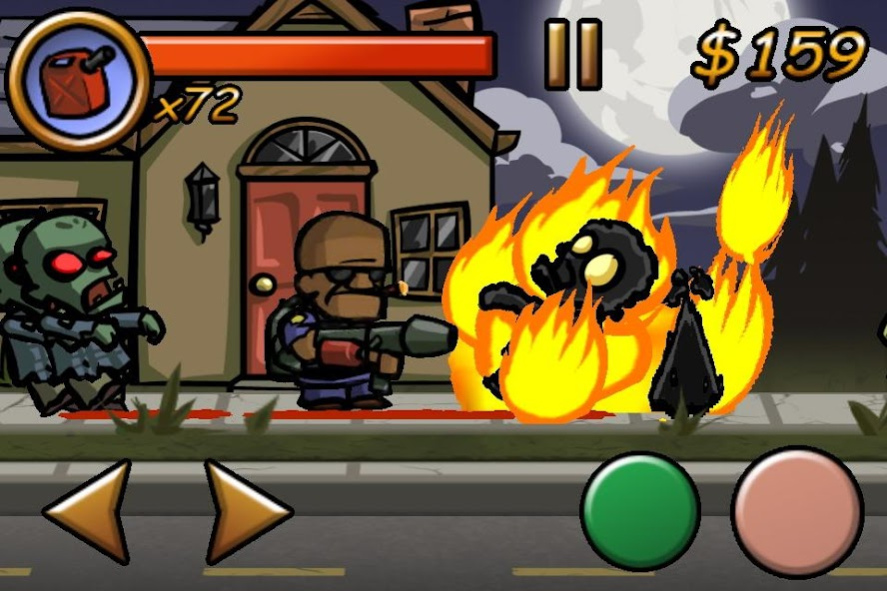
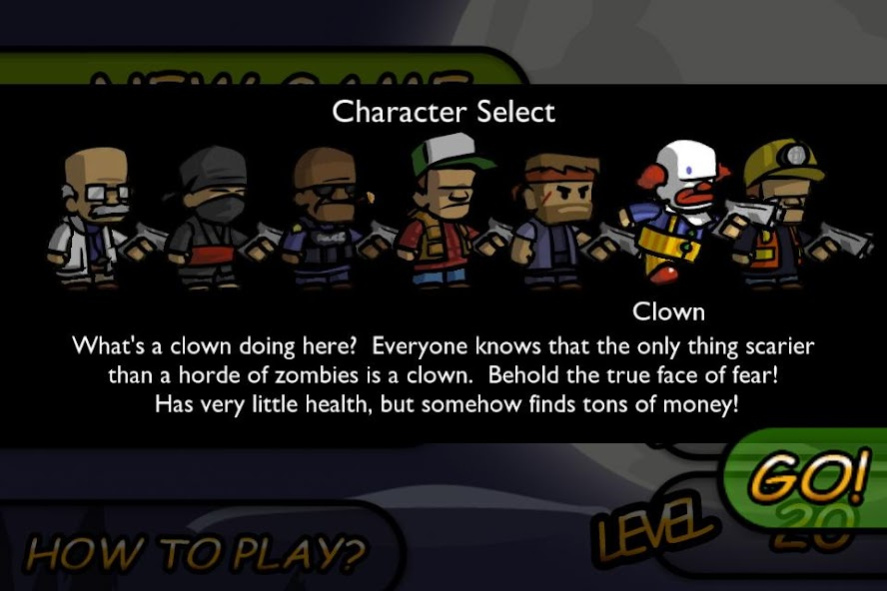
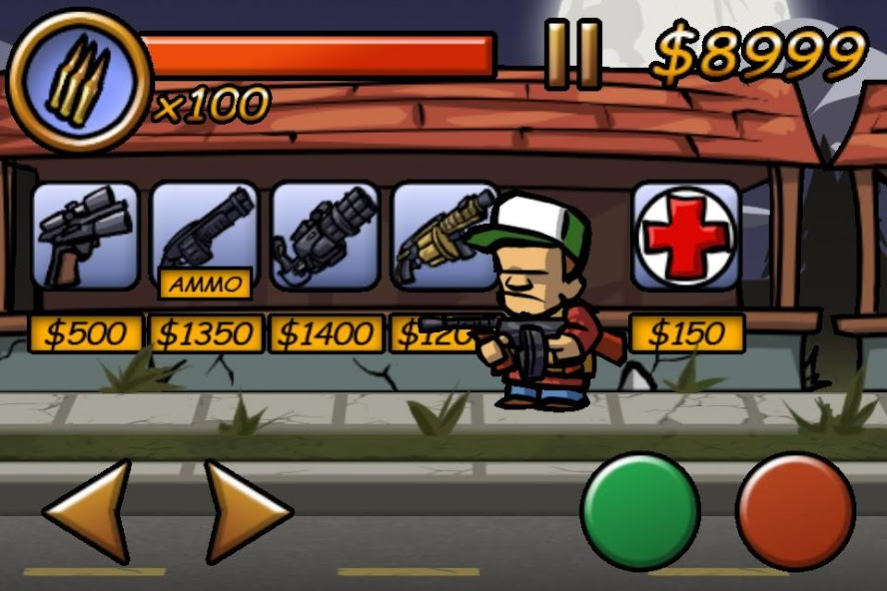
Welcome to Zombieville USA!
This app has been rebuilt for compatibility with modern Android versions, and is now completely free. No ads, no IAP, no nonsense. Be sure to also check out it's stunning sequel, Zombieville USA 2, also available at last on Android!
When your town is overrun by the walking dead, there's only one thing left to do - go through their pockets and look for loose change! As the lone survivor of a zombie apocalypse, it's up to you to battle legions of the undead in a never ending fight for survival! How long can you hold out? Scrounge for cash and ammunition, and buy up to 18 different weapons as your inevitable doom closes in around you...
Zombieville USA combines the timeless appeal of classic arcade games with lively stylized animation.
FEATURES:
- Defend yourself with 18 different weapons, from shotguns to chainsaws, even rockets, katanas and flamethrowers!
- Deceptively simple gameplay, with more depth than meets the eye. Manage your cash and ammo carefully, or become zombie chow!
- Hop into vehicles to splatter zombie bits all over the pavement!
- Uncover other survivors hiding in houses, who will aid the player in their hopeless struggle against the undead.
About Zombieville USA
The company that develops Zombieville USA is Mika Mobile. The latest version released by its developer is 1.1.
To install Zombieville USA on your Android device, just click the green Continue To App button above to start the installation process. The app is listed on our website since 2016-06-20 and was downloaded 0 times. We have already checked if the download link is safe, however for your own protection we recommend that you scan the downloaded app with your antivirus. Your antivirus may detect the Zombieville USA as malware as malware if the download link to com.MikaMobile.ZombievilleUSA is broken.
How to install Zombieville USA on your Android device:
- Click on the Continue To App button on our website. This will redirect you to Google Play.
- Once the Zombieville USA is shown in the Google Play listing of your Android device, you can start its download and installation. Tap on the Install button located below the search bar and to the right of the app icon.
- A pop-up window with the permissions required by Zombieville USA will be shown. Click on Accept to continue the process.
- Zombieville USA will be downloaded onto your device, displaying a progress. Once the download completes, the installation will start and you'll get a notification after the installation is finished.
Program Details
System requirements
Download information
Pricing
Version History
version 1.1
posted on 2016-06-20
Disclaimer
Official Google Play Link
We do not host Zombieville USA on our servers. We did not scan it for viruses, adware, spyware or other type of malware. This app is hosted by Google and passed their terms and conditions to be listed there. We recommend caution when installing it.
The Google Play link for Zombieville USA is provided to you by apps112.com without any warranties, representations or guarantees of any kind, so access it at your own risk.
If you have questions regarding this particular app contact the publisher directly. For questions about the functionalities of apps112.com contact us.
